For online tutors
Free online whiteboard for tutoring: what each free plan really allows
Almost every tutoring whiteboard says "free". Most mean three boards, a few minutes of collaboration, or a trial that ends. This page lists what each vendor's own page says a free plan gives you, checked on November 5, 2026, so you can pick the limit that hurts you least. A ready lesson board is below.
Updated
The short answer
- No free plan here is unlimited. Zoom Whiteboard, Miro and Ziteboard give you 3 boards, Explain Everything 3 projects and 15 minutes of collaboration, Bitpaper only lets you join, and Lessonspace has no free plan. Instaboard gives you 5 boards in your list and 150 items across your account; pen strokes don't count.
- Check two things before you pick: can your student write (most tools want a sign-in, and some want a paid add-on for guests), and does the free call last a lesson.
- If you teach math, WooWhiteboard's free equation editor and graphing beat what we have. If you teach by hand with worksheets and want the call on the board, read on.
What each free plan allows (checked November 5, 2026)
Each row comes from the vendor's own pricing or help page, read on November 5, 2026. Plans change, so check the page linked in the sources before you commit.
| Tool | What free gives you | The catch for a tutor | Paid from (as listed) |
|---|---|---|---|
| Instaboard | 5 boards in your list, 150 items across your account (pen strokes, sections and arrows don't count), 3 images and 1 file per board, unlimited collaborators, calls up to 60 minutes | Your student signs in free to write. A board someone sends you counts toward your 5. Eraser removes whole strokes. No recording | $5/month billed yearly ($59.99/year), or $7.99 monthly |
| Zoom Whiteboard (Basic) | 3 concurrently editable whiteboards, unlimited collaboration, export to images and PDF | Free Zoom meetings end at 40 minutes. Zoom's pricing text says Basic boards can be shared publicly; its sharing article says external users can be added "when enabled by admin", so test it with your student | Whiteboard Unlimited add-on from $2.07/month/user |
| Explain Everything (Free, listed under Plans for Education) | Up to 3 projects, 1 slide per project, collaborate with 1 person for up to 15 minutes | Fifteen minutes of collaboration is shorter than a lesson | Advanced $69/year (collaboration up to 30 minutes) |
| Ziteboard (Free) | 3 boards you own, unlimited shared boards and collaborators, image import (low-res), PDF import first page only | Audio and video chat, full PDF import and highlighter are Pro. Guests joining without registering needs a paid add-on on a Pro account | Pro (see Ziteboard's pricing page) |
| Bitpaper (Free) | Join papers and calls others created. A 30-day free trial of the tutor plan | You can't create papers on Free. If you cancel, existing papers stay but become read-only | Individual $15/month |
| Miro (Free) | Unlimited boards, but only the 3 most recent stay editable | Visitor editing, where people edit with no sign-in, is listed under Starter, not Free | Starter $8/member/month, billed yearly |
| Lessonspace | No free plan, only a free trial | Billed per hour once two or more people are connected; sessions with more than 4 people cost extra | Basic $9/month including 10 hours, then $1.95/hour |
| WooWhiteboard | Free: equation editor, function graphing on a grid, Wolfram Alpha integration, video chat, screen share | The home and teaching pages we read list no free-plan limits and no prices. Its terms say users must be 18 or older, so check them before you rely on it | Not listed on the pages we read |
| Excalidraw (Free) | Full editor, 1 infinite scene, unlimited collaborators by link, export to PNG or SVG | Voice hangouts and screensharing are Plus features, so you still need Zoom or Meet for the call | Plus $6 a month per user as listed (the page also offers yearly billing) |
Swipe the table sideways to see every column.
Read from each vendor's own page on November 5, 2026 (links in the sources). Explain Everything's free and $69 rows are listed on its Plans for Education tab; we did not read its individual and commercial plans. Prices exclude tax. Instaboard figures are from our own plans.
Which limit will bite you first
- Number of boards. A tutor with six regular students runs into a cap of 3 (Zoom, Miro, Ziteboard) or 5 (Instaboard) in the first month. Reusing one board per student and wiping it works on any of them. On Instaboard pen strokes don't count toward the 150 items, so ink-heavy boards go a long way.
- Collaboration time. Explain Everything's free plan stops collaboration at 15 minutes. If your lesson is an hour, that rules it out.
- Who can write. Instaboard: anyone with the link can view, writing needs a free sign-in with Google, Apple or email. Zoom: depends on your plan and your admin's settings. Ziteboard: guests without an account need a paid add-on. Miro: visitor editing is Starter. Bitpaper: your student joins on the free plan, you pay to create.
- The call. A free whiteboard still needs a way to talk. Free Zoom meetings end at 40 minutes; Google Meet's own page says free one-to-one calls can run up to 24 hours. Instaboard's built-in free calls run up to 60 minutes per call, with a warning 10 minutes before the end; calls need a free sign-in, there is no recording, and Pro has no limit. More: the Zoom 40-minute limit for tutors and a whiteboard for Google Meet.
Where the others are better
- WooWhiteboard for math. A built-in equation editor, function graphing and Wolfram Alpha, free. We have equation cards (typeset from a math keyboard), a Desmos card that needs internet, and ink. No plotter, no algebra engine. See an online whiteboard for math.
- Zoom for annotation. Zoom lets presenters and viewers draw on whatever is on screen (Zoom's annotation article, updated July 7, 2026).
- Google Meet for long free one-to-one calls. Up to 24 hours on Google's page, against our 60 minutes per call.
- Lessonspace for recordings. It stores recorded sessions for 90 days on every plan. We don't record.
- Excalidraw for diagrams, free with unlimited collaborators by link, if you never need worksheets or a call.
When Instaboard is the free one to pick
- You write by hand (pen, Apple Pencil, a drawing tablet) and your student answers on the same page.
- You bring a worksheet or a photo of homework and mark it up.
- You want the call on the board, or to keep Zoom or Meet and put the board link in the chat.
- You want the board to be there next week at the same link.
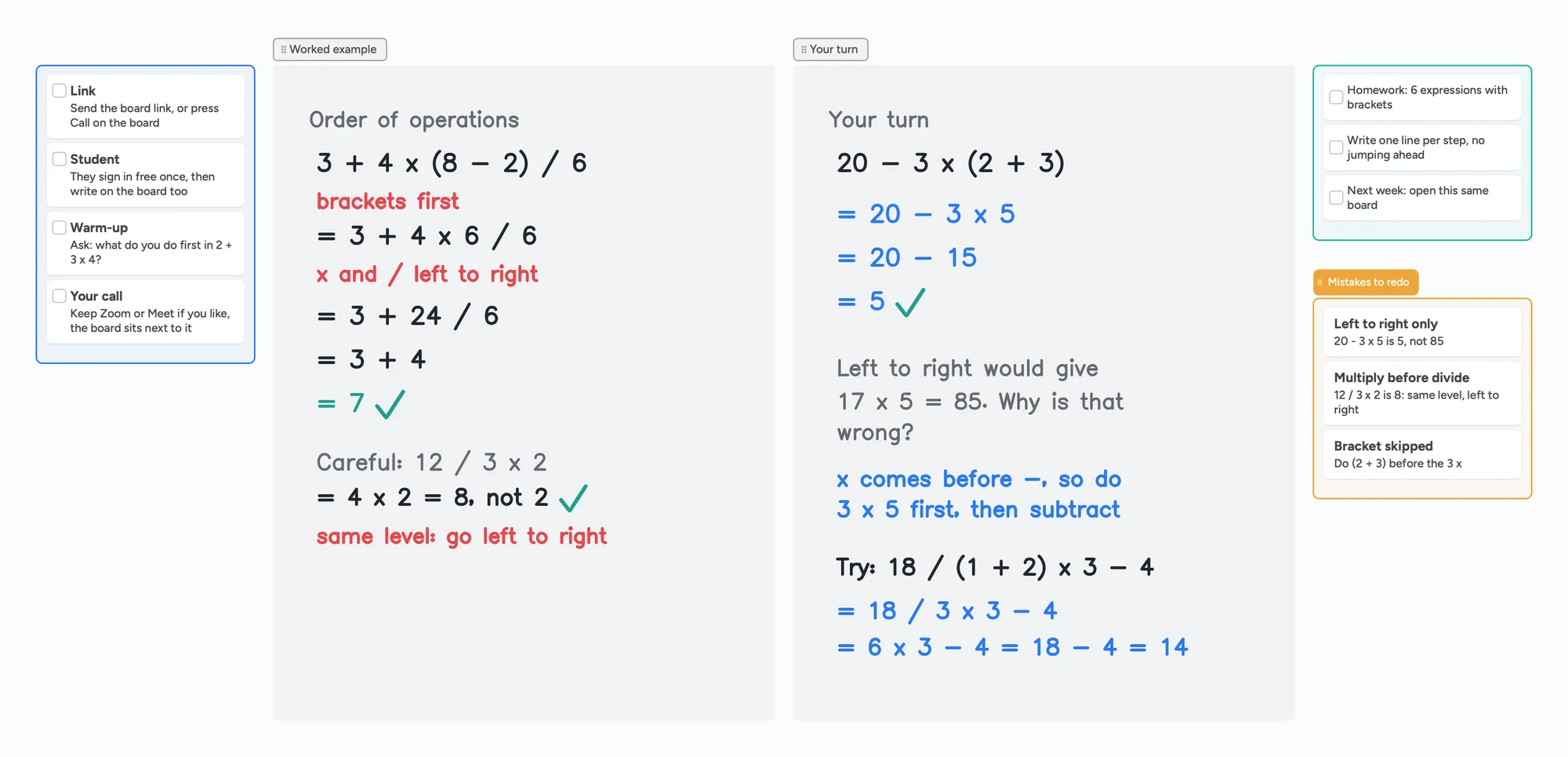
Ready for more? The tutoring hub shows a lesson step by step, online tutoring setup covers gear, and session notes cover what to send afterwards.
What Instaboard's free plan doesn't do
- Your student needs a free sign-in to write.
- 5 boards in your list, and boards others send you count toward them. Past 5 you can't create more until you remove one or go Pro.
- No handwriting recognition, no plotter or algebra engine, no recording, no class mode and no scheduling.
- The eraser removes whole strokes; undo is the quickest way to fix the last thing you wrote.
- 3 images and 1 file per board on the free plan.
Start from the ready board
It opens in your browser in a few seconds, with nothing to install. Sign in for free when you want to save it and share it.
Questions
What is the best free online whiteboard for tutoring?
It depends on the limit that matters to you. For math with equations and graphs, WooWhiteboard's free tools are stronger than ours. For handwriting, worksheets and a call on the same board, Instaboard's free plan fits. If you only draw diagrams, Excalidraw is free with unlimited collaborators by link.
Is there a tutoring whiteboard with no limits on the free plan?
Not among the ones above. Each one caps boards, projects, collaboration time or who can create. The cap that matters differs by how you teach, which is why the table lists them side by side.
Can my student write on the board without an account?
On Instaboard, anyone with the link can view, and writing needs a free sign-in with Google, Apple or email. Other tools differ: Zoom depends on your plan and admin settings, Ziteboard guests need a paid add-on, and Miro's visitor editing is listed under Starter.
How long can a free call on Instaboard last?
Free calls run up to 60 minutes per call, with a warning 10 minutes before the end. Calls need a free sign-in and there is no recording. Pro calls have no limit. You can also keep Zoom or Google Meet and put the board link in the chat.
When do I need to pay?
When you outgrow 5 boards, or want no image limit or no call limit. Pro is $5 a month billed yearly ($59.99 a year), or $7.99 monthly.
Sources
- Zoom: Online whiteboard, plans and pricing (read November 5, 2026)
- Zoom: Sharing a whiteboard (KB0058153, updated 2026-03-24)
- Zoom: Understanding time limits for Zoom Meetings (KB0067966, updated 2025-10-29)
- Zoom: Using annotation tools for collaboration (KB0067931, updated 2026-07-07)
- Explain Everything pricing (read November 5, 2026)
- Ziteboard pricing (read November 5, 2026)
- Bitpaper pricing (read November 5, 2026)
- Miro pricing (read November 5, 2026)
- Lessonspace pricing (read November 5, 2026)
- WooWhiteboard (read November 5, 2026)
- WooWhiteboard terms of use
- Excalidraw+ pricing (read November 5, 2026)
- Google Meet Help: Requirements for Google Meet
Related
An online whiteboard for tutoring that works the way you teach
A free whiteboard for online tutoring: paste the worksheet, write with a pen, and your student answers on the same board. Call on it or beside Zoom.
An online whiteboard for math: write, graph and let your student write too
What a math tutor needs from an online whiteboard: handwriting, typed equations, graphs and worksheets, and which tools have each. Free limits compared, plus a ready slope lesson board.
A Zoom Whiteboard alternative where your student writes too
Zoom's free whiteboard gives you 3 editable boards, sharing is built around Zoom accounts, and free calls stop at 40 minutes. What tutors use instead, where Zoom is still better, and a ready lesson board.
An Explain Everything alternative for live lessons, where your student writes too
Explain Everything Free gives you 3 one-slide projects, 3-minute videos and 15 minutes of collaboration. What the paid plans add, what it does better, and a free board where your student writes live.
A Bitpaper alternative for tutors, now that free is join-only
Bitpaper's free plan can only join papers since April 2025, and a lapsed plan turns your papers read-only. What tutors use instead, where Bitpaper is still better, and how to move your lessons over.
A Lessonspace alternative for tutors who don't want to pay by the hour
Lessonspace has no free plan, only a trial: $9 a month covers 10 hours, then $1.95 an hour. What 10, 20 and 30 hours cost, what Lessonspace does better, and a free board where your student writes too.
The Zoom 40-minute limit: what it means for a one-hour lesson
Free Zoom meetings with others end at 40 minutes. What the rule says, and what a tutor can do for a one-hour lesson: Zoom Pro, Google Meet, Teams Free, or a call on the board.
Does Google Meet have a whiteboard? Not since Jamboard ended
Google Meet has no built-in whiteboard since Jamboard ended. How to open an add-on, what to check if it's missing, and a board your student can write on.
Online tutoring setup: what you need before your first lesson
What you need to start tutoring online: sound, light, camera, internet, a way to write, and a board your student writes on too. A plain checklist with a five-minute test call and a ready board to open.
A tutoring session notes template, filled in so you can see how it reads
A tutoring lesson plan template plus session notes, filled in for an invented student: outcome, next task, parent note. Copy it as one board link.